

The Visual Revolution: How AI Image/Video Tools Are Reshaping Creativity in 2026
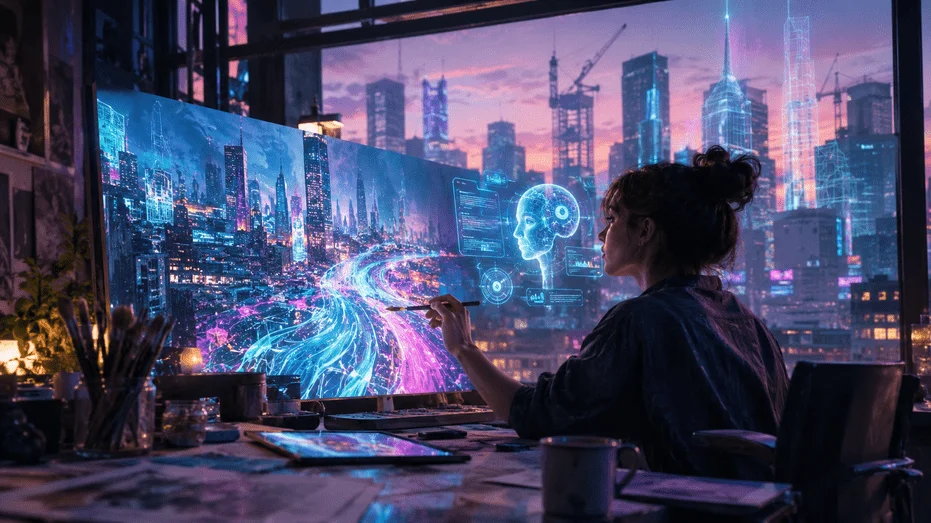
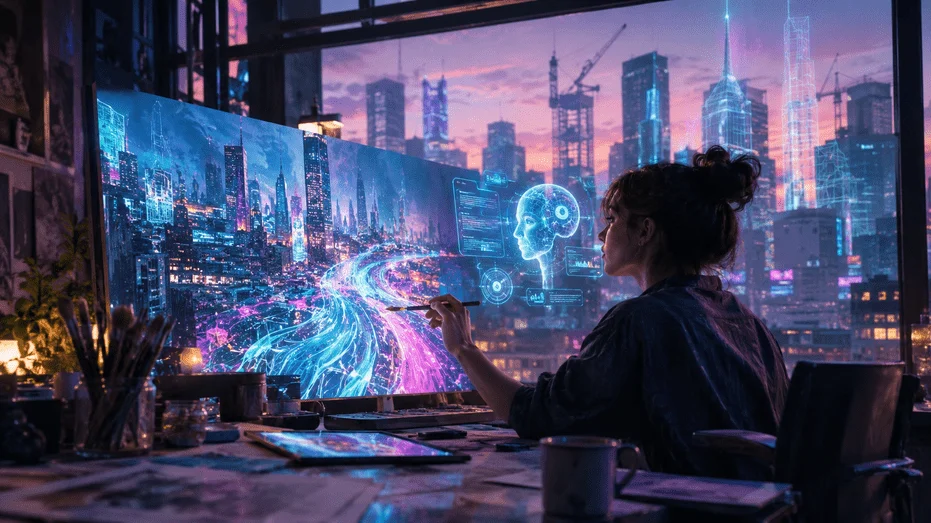
Two years ago, I spent an entire weekend wrestling with a 30-second product video. I shot footage, edited cuts, adjusted color grading, added transitions, and still wasn’t happy with the result. This past Tuesday, I generated a 10-second cinematic clip of a “neon-lit cyberpunk cityscape at dusk” in under two minutes using an AI video tool. It wasn’t perfect—the physics of a distant hovercar felt slightly off—but it was usable. It was production-ready.
That gap—between “this is a cool party trick” and “this ships in commercial work”—is precisely where AI image/video tools have landed in 2026. And the shift is happening faster than almost anyone predicted.
The Numbers Tell a Story of Unprecedented Growth
Let’s start with the scale of what we’re witnessing. The global AI image generator market grew from $11.65 billion in 2025 to $15.18 billion in 2026—a staggering 30.3% year-over-year increase that makes image generation the largest standalone segment in generative media.To put that in perspective: more than 15 billion AI-generated images have been created since 2022.Generative AI reached that milestone in roughly 1.5 years. Traditional photography? It took nearly 149 years to produce the same number of images.
Today, users create approximately 34 million new AI images every day across platforms like Midjourney, DALL·E, Stable Diffusion, and Adobe Firefly. That’s roughly 394 images per second, around the clock.
The video side is equally explosive. The global AI video generation market is projected to grow from $3.67 billion in 2026 to $24.89 billion by 2036, at a compound annual growth rate of 21.4%.Grand View Research estimates the broader AI video market—encompassing analysis, editing, and generation—will reach $42.3 billion by 2033.
But these aren’t just abstract numbers. They represent a fundamental shift in how creative work gets done.
From Six Fingers to Studio Quality
Anyone who experimented with AI image generators in their early days remembers the horror show: hands with seven fingers, faces that melted into backgrounds, and text that looked like alien hieroglyphics. Those days are largely behind us.
Google’s Gemini and OpenAI’s ChatGPT are currently PCMag’s top-rated AI image generators, praised for the “accuracy and detail of their images.”CNET’s testing highlights Google’s Nano Banana models for “excellent character consistency and realism”—a crucial feature for anyone building campaigns or IP that requires recognizable faces across multiple generations.
Meanwhile, FLUX Pro and Midjourney sit at the top for pure photorealism, while Stable Diffusion remains the go-to for creators who want full control through open-source customization.
The AI video landscape has matured even more dramatically. In early 2024, OpenAI announced Sora with a handful of stunning demos—but no public access.By mid-2024, Kling and Luma Dream Machine had broken the barrier, offering the first publicly accessible AI video generators.The quality was rough—720p, 4-6 seconds, frequent artifacts—but the dam had broken.
Today, the competitive landscape features ten or more serious platforms competing across different tiers.
| Platform | Best For | Key Strength | Approximate Price |
|---|---|---|---|
| Seedance 2.0 | Best Overall | Quad-modal input, native audio, 2K output | $19-39/month |
| Sora 2 | Text Purists | Superior language understanding, storyboard mode | Bundled with ChatGPT Plus ($20/mo) |
| Runway Gen-4 | Pro Editing | Built-in editor, Motion Brush, professional workflow | Credit-based; $15-95/mo |
| Kling 3.0 | Long Videos | 2-minute generation at budget pricing | Varies |
| Pika 2.0 | Beginners | Simplest interface, fun effects | ~$28/month |
| Wan | Budget/Open Source | Fully open-source, self-hostable, zero cost | Free |
Source: Compiled from Seedance, Presenc AI, and industry testing data
The Real Shift: AI as Creative Partner, Not Replacement
Here’s where my perspective diverges from the fear-mongering headlines. After spending hundreds of hours with these tools, I’ve come to see AI image/video tools not as replacements for human creativity, but as amplifiers of it.
Adobe’s inaugural Creators’ Toolkit Report surveyed over 16,000 creators globally and found that 86 percent of creators now actively use creative generative AI—and it’s not confined to a single task.The top uses include editing and enhancement (55%), generating new assets like images and video (52%), and ideation and brainstorming (48%).
Perhaps most telling: 76 percent of creators say creative generative AI has helped grow their business or personal brand, and 85 percent believe it has positively impacted the creator economy.
This isn’t a story of replacement. It’s a story of augmentation. The creators winning today aren’t the ones who type a prompt and call it a day. They’re the ones who use AI image/video tools to iterate faster, explore more possibilities, and spend their creative energy on what matters most—storytelling, strategy, and emotional resonance.
What AI Still Can’t Do (And Why That Matters)
For all the progress, the hardest problems remain unsolved. Long-form narrative coherence, complex multi-person interactions, and precise brand control still challenge every platform.
Runway Gen-4 maxes out at around 10 seconds per generation.Sora 2 can produce longer clips but comes with significant watermarking and cost considerations.Character consistency across multiple scenes remains a challenge, though tools like Nano Banana Pro are making significant strides.
The AI video generation market is still in its early innings. While the AI image market reached $15.18 billion in 2026, the video generation market is estimated at roughly $946 million—a fraction of the size, but growing at a faster clip.
Choosing the Right Tools for Your Workflow
With so many options, how do you choose? Here’s my practical framework based on what I’ve learned:
For image generation:
- Midjourney ($10-120/month) if you prioritize artistic, cinematic results
- Adobe Firefly if you’re already in the Adobe ecosystem and need commercially safe outputs
- Stable Diffusion if you want full control and are willing to invest in learning
- ChatGPT/DALL·E if you value natural language prompting and convenience
For video generation:
- Runway Gen-4 if you need professional editing tools and have a budget
- Sora 2 if you’re a ChatGPT user who values cinematic coherence
- Pika 2.0 if you’re just starting out and want the lowest barrier to entry
- Kling 3.0 if you need longer videos (up to 2 minutes) on a budget
The good news? 60 percent of creators report using more than one creative generative AI tool to improve output quality and match the right tool to the right task.You don’t have to pick just one.
The Business Case: ROI Is Real
For organizations wondering whether AI image/video tools are worth the investment, the data is compelling. According to Artificial Analysis’s State of Generative Media Survey, 65% of organizations report seeing ROI within 12 months of adopting generative media tools.
Among surveyed organizations, 44% are already using AI-generated images in production, and 39% are using AI-generated videos in production.Marketing leads video model adoption at 55%, while image use is split across marketing, entertainment, and creative tools.
One case study from a major enterprise found that after systematically integrating AIGC technology, commercial video production cycles were shortened by 70%, costs were reduced by 80%, and animation costs dropped by an astonishing 90%.
The Bottom Line
We’re living through the most significant transformation in visual content creation since the invention of the camera. AI image/video tools have moved from experimental curiosities to essential parts of the creative toolkit. The market is projected to reach $356 billion by 2030 for generative AI overall, with visual media—images, video, and audio—growing faster than the text segment.
But here’s what I keep coming back to: the technology is only as good as the human using it. The best AI image/video tools in 2026 won’t replace your creative vision. They’ll help you realize it faster, explore more variations, and focus your energy where it matters most.
The question isn’t whether to adopt these tools. It’s how quickly you can integrate them into your workflow—and how creatively you can push their boundaries.
